A free virtual card that is only free on paper
 Available in US
LinkPay is a virtual card you fund with cryptocurrency and spend like an ordinary payment card, without holding a bank account in most of the world. On paper it sounds like the answer to a common problem: you need a card number that works online, you do not have a bank willing to open an account for you, and your money already sits in crypto. On paper it also costs nothing, because the Lite plan is listed as free.
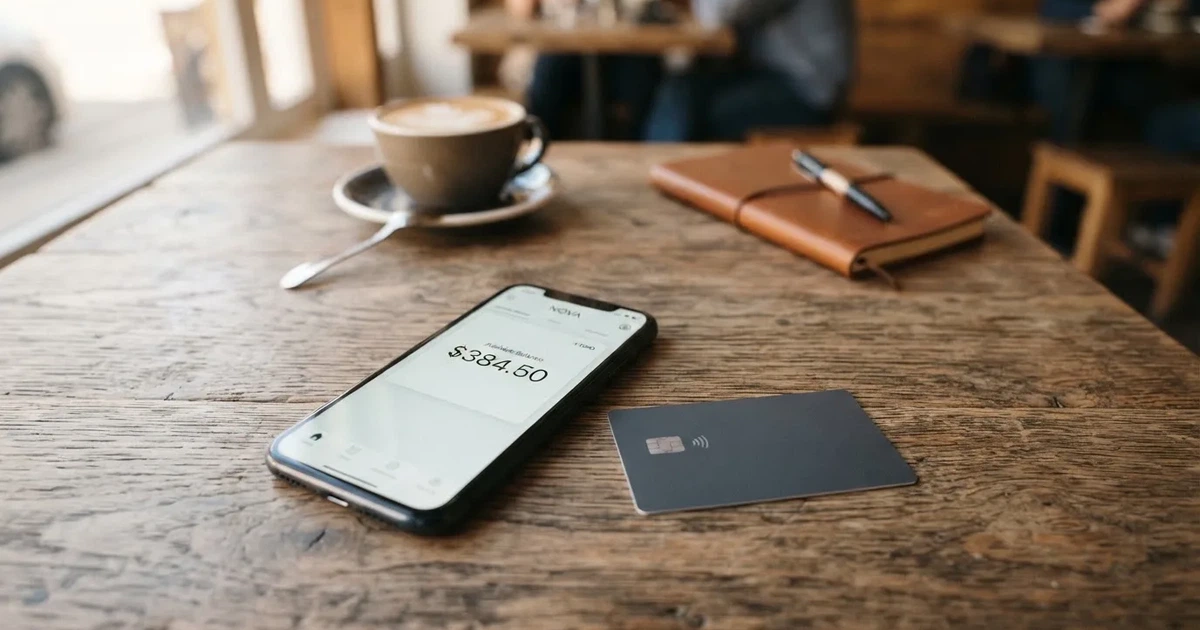
Here is the harder part. LinkPay’s own pages disagree with each other about what it charges — the home page and the Terms of Service publish different numbers for the same fees, and the Ultra plan appears at two different monthly prices. Users have reported cards frozen before a payment and withdrawals sitting in “processing” for weeks. And the card exists only in virtual form, with Apple Pay and Google Pay described as “coming soon”. My score for LinkPay is 5.0 out of 10. That is a middling score, and it is not a rounding error: this is a card that works for a specific kind of user and quietly does not work for most other people.
The conditions described here are current as of October 28, 2026.
If you read nothing else, read the complaints section and the cost table. Together they tell you whether this card is for you.
The short version: 5.0 out of 10
LinkPay scores 5.0 / 10 overall. Here is how that breaks down, criterion by criterion, with my reasoning in plain words.
| Criterion | Mark | Why |
|---|---|---|
| Who can get it | 9 / 10 | Officially closed in 27 named countries including Russia and Belarus; unofficial counts say 168 countries available, 28 restricted |
| Cost | 3 / 10 | Lite is free but charges 2% per payment with a $2 minimum; Plus is $59/month, Pro $179, Ultra $209; the site and the terms contradict each other |
| Top-up options | 7 / 10 | Crypto only, 7+ currencies, no fiat; unofficial sources name BTC and USDT and mention TRC20 and BTC networks |
| Reliability and complaints | 3 / 10 | Issuer not named, MSB registration in Canada; reports of card freezes and withdrawals pending 4+ weeks; Trustpilot 2/5 |
| Everyday use | 2 / 10 | Virtual cards only, no ATM, Apple Pay and Google Pay “coming soon” |
The strongest mark is who can get one, which is an odd thing to win on. LinkPay is genuinely open to a very large number of people who cannot get a normal card anywhere else. The weakest marks are the ones that decide whether you can actually live on the card: what it costs per payment, and whether the company will still be issuing and paying out in six months.
Who it suits: someone who already holds crypto, needs a card number for online subscriptions and services, has no usable bank account, and is willing to pay a couple of percent per purchase without blinking. Who it does not suit: anyone who wants a physical card, anyone who wants Apple Pay, anyone who treats a crypto balance like bank money, and anyone whose country is on the restricted list.
One more group worth naming: non-Russian advertisers and marketing teams who need many separate virtual cards at once. LinkPay’s plan structure — 5, 15 and 79 free cards per month on the paid tiers — is clearly built for that use case. If that is you, the paid plans make more sense than Lite.
Will they give you the card?
The headline answer is that most people can, and a specific list of people cannot.
LinkPay’s public pages state that the service is not provided in 27 listed countries, including the Russian Federation and Belarus, and also Hong Kong, the United States, Ukraine, Iran, Cuba, Syria and North Korea among others. The page itself says the list is not exhaustive, which in practice means: do not treat the absence of your country from that list as a guarantee. The Terms go further than the list — they bar both residents and citizens of the listed countries, not just people living there. So if you hold a passport from one of those countries but live somewhere else, the terms as written still reach you. That is worth checking against your own citizenship before anything else.
Separately, US citizens, permanent residents and US entities cannot open accounts, whatever their address.
Unofficial sources paint a broader picture: availability in 168 countries with 28 restricted, and Russia described as restricted (per CryptoCardHub, 11 Aug 2026). Those figures come from a third-party site, not from LinkPay, and the same source notes China appears on a map without appearing in the body text — a small example of why I treat unofficial counts as directional rather than exact.
The page links to a “Certain Countries” page whose content I did not read, and it links to an Anti Money Laundering page whose content is likewise not shown. So the specific list of restricted countries, and the full identity-checking rules, are not stated on the pages I could check. What is stated is what I have given you above. If your country sits anywhere near a boundary — sanctioned, grey-listed, or simply absent from a list the company says is incomplete — ask them in writing before you send a single coin.
How to get it
The process is ordinary in shape and unusual in detail: there is no verification tier at all at the bottom, then three named levels above it.
You can register and hold cards with no verification, but that level is capped at $500 per month and is limited to advertising cards only. That is not a general-purpose card. If your spending is ad spend — buying traffic, boosting posts — this tier may be exactly enough, and it is the one genuinely unusual thing about LinkPay’s onboarding.
Above that, three verification levels, which is where the shape becomes familiar:
| Level | Monthly spend | What it unlocks | What it needs |
|---|---|---|---|
| No verification | $500/month | Advertising cards only | Nothing |
| Basic | $2,000/month | All cards except Apple/Google Pay | Full name, address, ID details |
| Unlimited | No spend or card-type limits | Everything | Valid ID photo and live check |
Timing is the part to plan around. LinkPay says verification is generally completed within 24 hours but can take longer, and that rejected documents can go to manual review. The official rejection reasons are not listed beyond the requirement for “valid documents with clear photos”. That is thinner than it sounds: if your file fails, you may not be told what was wrong with it, and a manual review has no stated deadline. Apply a few days before you need the card rather than the morning you need it.
The card itself: virtual cards, described as a “Virtual card for all purchases”. Unofficial sources say the cards run on Visa or Mastercard networks; LinkPay’s own page does not state the network or the currency. There is no physical card on offer per the page, so there is no delivery question to worry about — that is the one advantage of going virtual, and it is also the main limitation.
Fees: what it really costs
The cost score is 3 out of 10, and the reason is not simply that a plan costs money. It is that the free plan is not free in practice, and the paid plans are expensive enough that only high-volume users should consider them.

Plans, as listed on the home page: Lite free (0 free cards/month), Plus $59/month (5 free cards), Pro $179/month (15 free cards), Ultra $209/month (79 free cards). Per-card issue price on Lite is not stated. Freeze and unfreeze of cards is available only on subscription or custom plans.
Here are the published fees. Read the table twice, because the second half is where the contradictions live.
| Fee or limit | Lite | Plus | Pro | Ultra |
|---|---|---|---|---|
| Monthly plan price | Free | $59 | $179 | $209 (home page); $299 (Terms) |
| Free cards per month | 0 | 5 | 15 | 79 (home page); 100 (Terms) |
| Transaction fee | 2% (min $2) | 1.5% (min $1) | 1% (min $0) | 1% (min $0) |
| Declined transaction fee | 2% | 1.5% | 1% | 1% |
| Deposit fee | 1% | 0.75% | Free | Free |
| Withdrawal fee | 3% (min $5) | 3% (min $5) | 2% (min $2) | 1% (min $1) |
| Cashback | 0% | 0% | 1% | 2% (home page); 3% (Terms) |
| Team members | 3 | 5 | 20 | 50 |
| Merchant accounts | 1 | 1 | 2 | 3 |
| Monthly spend limit | $500 unverified, $2,000 Basic, unlimited at full verification | |||
| ATM | Not stated; virtual cards only | |||
| FX fee | Not stated | |||
| Card currency | USD cards “planned to release soon”; no other currency stated |
Now the contradiction, because this is the single most important thing in this review. The Terms of Service publish a different fee schedule: transaction fees 2% (min $2) / 1.5% (min $1) / 1% / 1%, which matches the home page; but declined transaction fees of 0.5% / 0.5% / 0.3% / free against the home page’s 2/1.5/1/1; deposit fees of 1% / 0.75% / 0.5% / free against 1/0.75/free/free; and withdrawals free on all plans against the home page’s 3% / 3% / 2% / 1%. Ultra is priced at $299/month in the Terms with 100 free cards and 3% cashback, against $209 with 79 cards and 2% cashback on the home page.
So on withdrawal fees, the two official pages differ by up to three percentage points. That is not a rounding difference; it is the difference between a service that keeps a slice of your money and one that does not. Assume the worse number until the company tells you in writing which applies. Also note that cashback cannot be withdrawn to a bank, and the payout currency is not stated.
Three everyday payments, to make the percentages concrete:
- A $12 monthly subscription on Lite costs 2% with a $2 minimum — so $2, because the percentage floor is what bites. On Pro the same payment costs 1% with no minimum, so $0.12.
- A $20 purchase paid on a Plus card costs 1.5% with a $1 minimum, so $1.
- A card declined at the till on Lite is charged 2% per the home page or 0.5% per the Terms. On a small transaction that $0.24 versus $0.06 gap decides whether a retry is cheap.
The structural point: Lite charges you 2% on every payment with a $2 floor, so small purchases are penalised hardest. If you are going to use this card for anything repetitive, the tier maths is not subtle — Lite is a sampling tier, and a paid plan is what the card is actually built for.
Also worth knowing before you rely on it: USD cards are described as “planned to release soon”, no other currency is stated, and no FX fee is published. You are funding in crypto and spending in dollars, and nobody has told me what happens to the amount in between.
How to Top up the card
Crypto only. That is the short answer, and it is the reason many people can use this card and most bank-alternative users cannot.
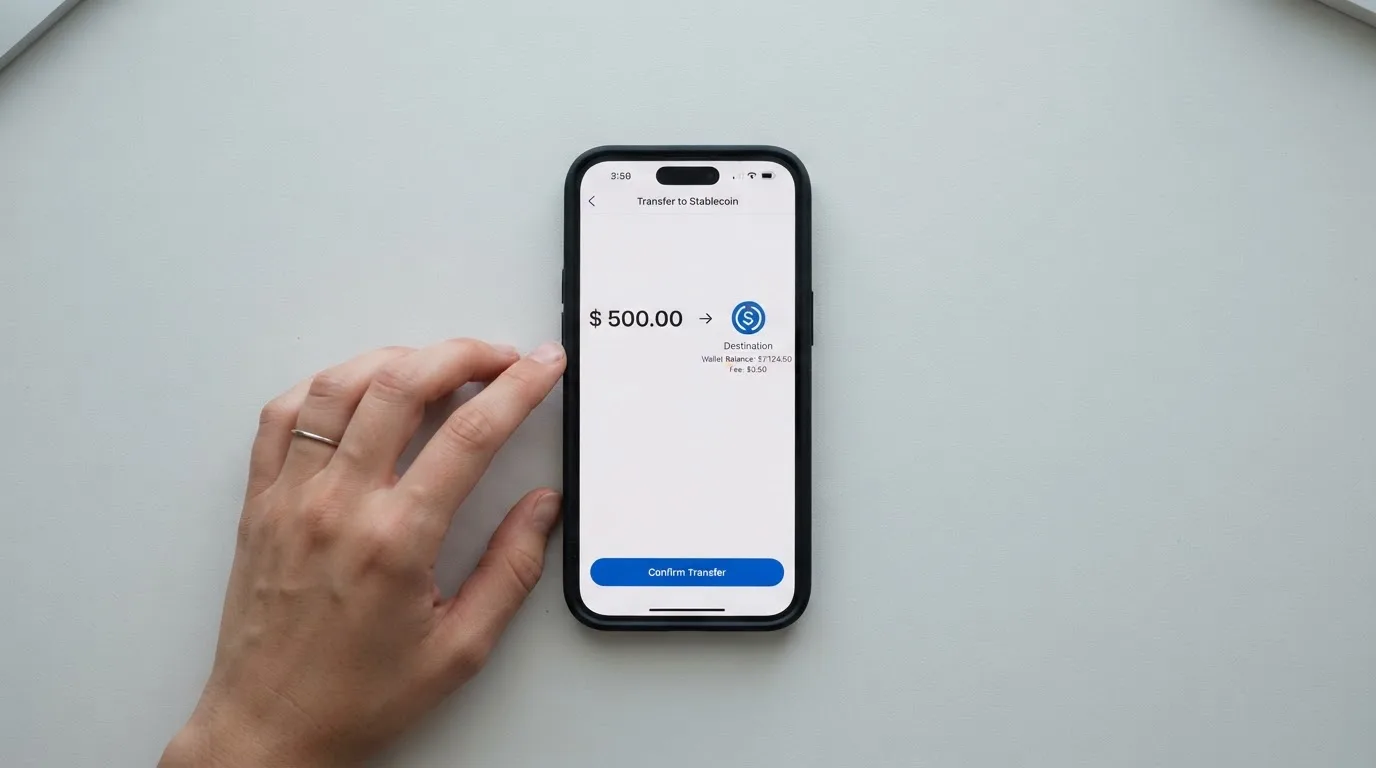
LinkPay advertises “Deposit options for 7+ digital currencies” but does not name the coins or networks on the card page. Unofficial sources name BTC and USDT, and mention TRC20 and BTC networks. Fiat and on-ramp funding are listed as planned, not available.
The mechanics have one genuinely sharp edge. Your card is activated only when your balance reaches a minimum shown in your dashboard before issuance, “usually around $15”. If you deposit less, issuance fails. The minimum is not on the public page — it lives in your account — so you cannot compute it before signing up. Deposit a comfortable margin above “around $15” on your first transfer rather than exactly at it.
Confirmation times vary by network: 20 for TRC20, from 4 for BTC. And this part is general to the whole category rather than specific to LinkPay: blockchain transfers are irreversible, so a deposit sent on a network the provider does not support, or to an address belonging to a different network, can be lost or need manual support recovery with no guarantee. On Tron, fees are paid through bandwidth and energy and often burn TRX, so a wallet holding USDT but no TRX on Tron may not be able to send at all.
Deposit fees per the Terms are 1% / 0.75% / 0.5% / free; the home page says Pro and Ultra are free, so the Pro figure disagrees between pages. Who pays the underlying network fee for your deposit is not stated.
One more thing that will matter later: withdrawing from the platform directly to a LinkPay card is not supported. Internal transfers between users by recipient email are.
Paying with it every day
This is where LinkPay scores lowest: 2 out of 10.
There are virtual cards only. No physical card per the page, and unofficial sources confirm no ATM either (per CryptoCardHub, 11 Aug 2026) — though ATM fees are simply not stated, because there is nothing to charge for. If your day involves tapping a terminal, this card is not in the running.
Apple Pay and Google Pay are “in final integration, will be available soon”, and they are not available at Basic verification even when they arrive. Note also that the unofficial picture here conflicts with itself: the eWallet page says selected virtual cards can be added, the FAQ says “coming soon”. Assume they do not work today.
There are apps on the App Store and Google Play plus a direct .APK download, and the site shows no ratings. Blocked merchant categories are not mentioned anywhere on the page. In this category that silence matters: gambling (MCC 7995) is the classic category issuers block, and some merchants decline prepaid or foreign-issued card numbers outright because the BIN lookup reveals the issuer country. A card issued in one country can simply look foreign to a shop in another.
Cashback runs 0% on Lite, 0% on Plus, 1% on Pro and 2% on Ultra — while the headline says “2% cashback for all payments”. Cashback in the Terms comes with a cap per billing cycle ($179 Pro, $299 Ultra). Payout currency is not stated.
What does work, and is worth crediting: LinkPay publishes realistic expectations for how payments fail. Funds from failed transactions with a pending authorization return in 5–10 minutes; merchant refunds usually within 4 weeks; holds by ad platforms usually 10–14 days; unverified card top-ups are auto-cancelled with refunds in 2–14 business days; verified card top-ups are non-refundable. Complaints are reviewed within 30 days. What you do not get: a chargeback process described in the FAQ, and the customer is responsible for chargebacks and disputed transactions. If a charge lands and the merchant refuses to refund it, this card does not obviously have the machinery to fight back.
What can go wrong
The reliability score is 3 out of 10, and this is where I would start if I were you.
The company is registered in Canada, but the issuer is not named. LinkPay’s registered address is Richmond, BC, Canada, with MSB registration M23039048 — a money-services-business registration, not a banking licence. The issuer/BIN sponsor is not stated. In plain terms: the bank or institution that actually stands behind your card is not something the company publishes, and you cannot look it up. In this category the issuer is the entity that pays you when the crypto brand stumbles, so not knowing who it is is a genuine gap rather than a technicality.
Complaints are concrete and recent. One user report on Trustpilot, where the platform sits at 2 out of 5 from roughly 39–40 reviews, describes a card frozen before a transaction and reportedly unfrozen only after buying a paid plan, withdrawals stuck in “processing” for 4+ weeks, and waits of months to get a card issued. The company’s replies cite security protocols and insufficient verification. A second, separate count from CryptoCardHub (11 Aug 2026) cites Trustpilot at about 2.3 from 44 reviews and another site at about 4.7 from ten reviews, with some of those reviews arriving via vendor invitation, and describes support as slow and repetitive. No Reddit discussion was found.
A competitor says the banking partner caused a freeze. Halocard, another crypto card brand, states that LinkPay’s banking partner issued cards and withdrawals were frozen during a move to a new partner, with waits of three months. Treat this with caution: it is a competitor speaking, and LinkPay has not confirmed it. But it lines up with the user complaints above, which is worth noticing. LinkPay itself has not commented on the issue, as far as I can see.
The balance is custodial, and the company says so plainly. Funds sit in a wallet the provider controls; the Administrator may suspend all wallets without notice where there is suspicion or a violation, and funds may be frozen during an investigation. Accounts lock after 3 failed login attempts. Badges for GDPR, ISO and PCI DSS are displayed; insurance is not stated. Freeze and unfreeze of individual cards is only available on subscription or custom plans, so on Lite — the free tier — a frozen card may mean a support conversation rather than a button.
Then there is what happens at the end. On closure, remaining funds are sent to specified payment details minus fees. Records are kept for 5 years. Withdrawals are requested from the Wallet and processed “during 10 working days” per the Terms, with the fee described there as free on all plans — which conflicts with the home page’s 3/3/2/1.
The category context sharpens this. Custodial platforms have a documented history of failure: Mt. Gox (about US$350 million reported stolen, 2011–2014), Coincheck (about US$400 million, 2018), Ronin Network (US$625 million, 2022). And card programmes themselves get shut down — Visa terminated its global agreements with FTX on 13 November 2022 and the FTX US debit card was wound down; WaveCrest, a Visa issuer that supplied several crypto card brands, was suspended by Visa in Europe in 2018, closing every WaveCrest-issued Visa programme. Closures typically run in a fixed order: a notice period, then loading and spending stop, then you are asked to withdraw what is left. One 2026 closure reported by a secondary source ended new loads on 8 July 2026 and spending on 8 August 2026 — single source, unconfirmed, but the pattern is the point. Plan your exit before you need it.
What to take instead
None of these is a recommendation. Each solves a different part of the problem, and reading them next to LinkPay tells you which part LinkPay is actually good at.
Bitrefill — score 6.8 out of 10. A virtual and physical Visa card, free through the app, with issuance and monthly fee amounts not stated and an inactivity fee after 12 months without spending or cash-out (amount not stated). Costs come from a deposit spread on crypto-to-euro conversion (percentage not stated), a SEPA pay-in fee of 1.99%, and spreads added by payment processors or ATM operators on spending; no FX fee stated. Funds in with Bitcoin, Lightning, Ethereum, USDC, USDT, Solana, BASE, Polygon, Li.Finance, Apple Pay, Google Pay, Visa or MasterCard, plus SEPA transfer per the terms. Cashback is 2% total with no cap, split 1% on each crypto deposit and 1% on each purchase. Country list not stated; the terms say access is “subject to eligibility criteria” set and verified by partners. The physical card and the no-cap cashback are the two things LinkPay does not offer.
UPay — score 6.1 out of 10. Virtual and physical options, personal and business cards, network not named. Payments convert to USD, EUR, AED and others. Costs are not stated, and the card page says conversion may occur during payment depending on network and settlement. Top up with BTC, ETH, USDT and USDC. No cashback on the card page; the home page lists an “Earn While You Sleep” product by title only. It claims support in 180+ countries and says it does not serve residents of certain countries, with a list that may change — and one practical catch: the KYC partner accepts only ID documents issued by the same country as the user.
Kemy — score 6.0 out of 10. This is the one with real physical-card economics: unlimited virtual cards and one physical Mastercard with contactless. Pricing is explicit — virtual $15 issuance valid 3 years, $2/month; physical $250 issuance with DHL Express included, valid 3 years, one per user, $10/month. Fees: virtual top-up $1.5 under $100 or 1.25% from $100 (min $5), transaction fee 3.5% + $1, failed transaction $0.8; physical the same top-up with a $10 minimum and $0.80 failed fee. No FX fee listed, and the main-account deposit fee appears as 8% in one place and 5% in another. Eligibility “190+ countries” with “a few restrictions”. Fund with USDT and USDC on the main networks, plus BTC, ETH and SOL via on/off-ramp.
How they stack up on the two things that decide this choice:
| LinkPay | Bitrefill | UPay | Kemy | |
|---|---|---|---|---|
| Score | 5.0 | 6.8 | 6.1 | 6.0 |
| Physical card | No | Yes | Yes | Yes (one, $250) |
| Lowest stated transaction fee | 1% (Pro/Ultra) | Not stated (conversion spread) | Not stated | 3.5% + $1 |
| Free plan | Yes, 2% per payment | Card free through the app | Not stated | No ($2/month virtual) |
| Cashback | 0/0/1/2% | 2%, no cap | None stated | None mentioned |
| Fiat top-up | No | SEPA | Not stated | Mobile money, bank accounts |
| Issuer named | No | Not stated | Not stated | Not stated |
Who I would recommend it to
I would recommend LinkPay to one person in particular: someone who cannot open an ordinary bank card, who already holds crypto, and who needs a card number for online payments today. For that person — and for the advertiser running many ad accounts, where the $500 unverified tier or a 15-card plan genuinely fits — this is a working answer, and the 2% on Lite is a price worth paying for access.
I would not recommend it to anyone who wants the card to be boring. There is no physical card, no ATM, and no mobile wallet today. I would not recommend it to anyone planning to hold a balance there for months: the balance is custodial, the issuer is unnamed, the company can freeze all wallets without notice, and there are documented reports of withdrawals pending for four weeks or longer. And if your country is anywhere near the restricted list, the terms bar citizens as well as residents, and the list is explicitly not exhaustive — that is a conversation to have with the company before you transfer anything, not after.
The score is 5.0 out of 10 because LinkPay is genuinely useful inside a narrow box and says little enough about its risks that I would not put a large balance in it. Try it small. Put in the minimum you are willing to lose, learn how a decline and a withdrawal actually behave, and only then decide whether to scale up.
Frequently asked questions
What is the LinkPay card?
The LinkPay card is a virtual payment card you fund with cryptocurrency and spend like an ordinary card online. LinkPay’s own page advertises it as a “Virtual card for all purchases” and does not name the card network or currency; unofficial sources say Visa or Mastercard. There is no physical card, no ATM, and Apple Pay and Google Pay are described as “coming soon”.
How does the LinkPay card work?
You register, pass one of three verification levels, and receive a virtual card number. You transfer crypto to the provider’s wallet, which converts it into a balance, and the card spends that balance — the prepaid model, so it cannot overdraw. The catch is that the balance is custodial: the provider holds it, and its Administrator may suspend all wallets without notice.
Is LinkPay a bank?
No. LinkPay is registered in Richmond, BC, Canada, with an MSB registration number M23039048. That is a money-services-business registration, not a banking licence, and the issuer or BIN sponsor behind the card is not stated. So there is no deposit guarantee scheme and no named bank standing behind your balance.
Who can get a LinkPay card?
Most people. Service is not provided in 27 listed countries including Russia, Belarus, the United States, Ukraine, Iran, Cuba, Syria, Hong Kong and North Korea, and the list is stated as not exhaustive. The terms bar residents *and citizens* of those countries, and US citizens, permanent residents and US entities cannot open accounts at all.
Does the LinkPay card require KYC?
There are three levels. With no verification you get $500 per month and advertising cards only. Basic verification gives $2,000 per month and needs your full name, address and ID details. Full verification with a valid ID photo and a live check removes spend and card-type limits. Verification is usually done within 24 hours but can take longer.
How much does the LinkPay card cost?
Lite is free but charges 2% per transaction with a $2 minimum, plus 2% per declined transaction on the home page. Plus is $59/month at 1.5%, Pro $179/month at 1%, Ultra $209/month at 1%. Withdrawals are listed at 3% / 3% / 2% / 1% on the home page but free on all plans in the Terms — check which applies before you rely on it.
How do I top up the LinkPay card?
With crypto only, 7+ currencies, and unofficial sources naming BTC and USDT over networks including TRC20. Your card is activated only once the balance reaches a minimum shown in your dashboard before issuance, usually around $15 — below it, issuance fails. Confirmations take 20 on TRC20 or from 4 on BTC, and transfers are irreversible.
Is the LinkPay card safe to use?
The card itself is ordinary: it is virtual, and badges for GDPR, ISO and PCI DSS are shown, though no insurance is stated. The risks sit around the money, not the plastic. The balance is custodial, the issuer is unnamed, and there are documented complaints about cards frozen before payments and withdrawals stuck in processing for 4+ weeks, with Trustpilot at 2 out of 5.
Can I add the LinkPay card to Apple Wallet?
Not yet. Apple Pay and Google Pay are described as being in final integration and “available soon”, and will not be available even at Basic verification when they do arrive. The unofficial picture conflicts: an eWallet page says selected virtual cards can be added, while the FAQ says “coming soon”. Treat them as unavailable for now.
Is the LinkPay card worth it?
For someone who cannot get a normal bank card and already holds crypto, often yes — the free Lite tier is a low-cost way to test it. It is worth much less if you want a physical card, a mobile wallet, or to park a large balance. My score is 5.0 out of 10, and the deciding factor is whether $15 to $50 is an amount you could afford to lose.
Virtual cards – cryptocardchooser.com
Content created by the «cryptocardchooser.com» team