
A USDT-only card with high fees and almost no independent track record
 Available in US
Tevau is a crypto payment card aimed at people who already hold USDT and want to spend it like ordinary money — in shops, online, at a terminal, or in a mobile wallet. That narrow pitch is both its strength and its limit: if you want to load money from a bank account and just spend it, this is not that. It is a way to move value out of a stablecoin and onto a Visa card number, and the price of doing that is where most of the friction lives.
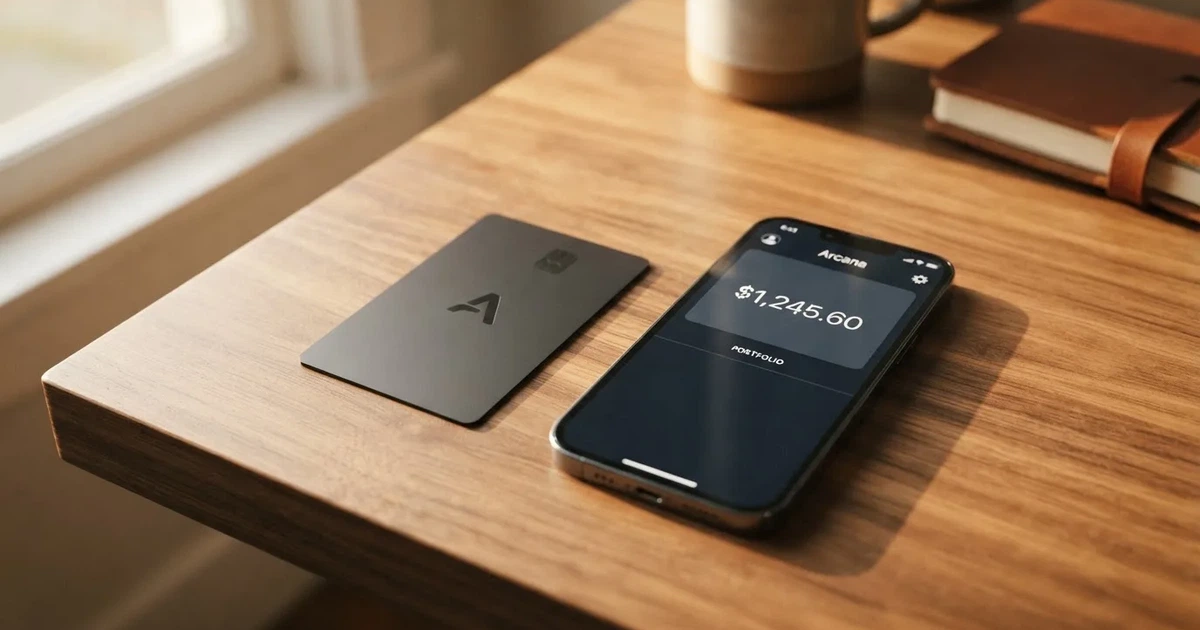
I went through the card’s own pages and the independent information published about it, and the honest headline is this: the product looks broad and modern — four card finishes, Apple Pay and Google Pay everywhere, a stated 200+ country reach — but almost every specific number about it comes from sources that are not Tevau itself, and the important ones (which banks, which countries, which networks, which issuer) are simply not published. My score is 6.0 out of 10: genuinely capable of replacing a card for someone who lives on USDT, priced poorly for that job, and supported by no independent history you can inspect.
The conditions described here are current as of October 28, 2026.
Verdict: 6.0 out of 10, good for one specific person and awkward for everyone else
If you already sit on USDT, spend in shops where crypto-funded cards get accepted, and you want a virtual card today or a metal card for the aesthetic, Tevau does the job. If you want an ordinary-looking bank card for everyday life, you will pay more than a conventional bank’s card and you will carry more risk than a conventional bank’s card, because the entity holding your money is not a bank you can name.
Let me break down where the 6.0 comes from, because the average hides a lot. The card is genuinely strong on the thing it offers — availability of a card and the app — and weak on everything around it.
| Criterion | Mark | Why |
|---|---|---|
| Who can get it | 9 / 10 | The pages claim 200+ countries with availability varying by region; no country list and no list of exclusions are published, so I cannot tell you where you stand. |
| Cost | 4 / 10 | Virtual 20 USD, plastic 100 USD, top-up 1%, a 1.2% fee on non-USD payments, 1.9% at ATMs, monthly fee $0, and $3 after 90 days with no activity. |
| Top-up options | 4 / 10 | USDT only. The app shows you which network to use, but the networks are never named on the page, and fiat funding is not disclosed. |
| Reliability and complaints | 4 / 10 | Office in Hong Kong, issuer not named, a claimed Bank of Canada registration that I could not verify, and no complaints or independent reviews found at all. |
| Everyday use | 9 / 10 | Virtual, plastic, metal and 24K Gold versions; Apple Pay and Google Pay on all of them; ATMs on the physical cards. |
| Total | 6.0 / 10 | Strong at the card itself, weak and unproven around it. |
Two of those lines deserve a word of caution before anything else. “Availability varies by region” without a list is not a statement you can act on — you cannot check eligibility before applying, only discover it when you are rejected. And “no complaints found” is not a good sign about a young financial product; it is what a product with almost no users looks like. The site claims 500,000 users as of 19 August 2026, which sits awkwardly beside a total absence of independent reviews.
Will they give you the card
The card’s own materials say 200+ countries, with availability that “varies by region”. That is the whole of the official position, and it is not enough to plan around. There is no published country list, no exclusion list, no statement about which nationalities are accepted or which residents are turned away. Both the country claim and the caveat come from unofficial sources — independent information about the card, not Tevau’s own confirmation.
This matters more than it might seem. Your citizenship and your country of address are not the same thing, and providers screen both. Nationality is recorded and checked separately from residence because sanctions screening and issuer risk policy often apply to country of birth as well as address. So even a card that says it works in your country of residence can turn on what passport you hold.
The practical answer: there is no way to confirm from published information whether you qualify. Eligibility is discovered at sign-up, not before it. If your situation is unusual — you live somewhere the card might be restricted, or you hold a passport from somewhere with sanctions exposure — treat the country claim as unproven and expect the sign-up to be the test.
How to get it
There is a single KYC flow and it is mandatory. Per the independent information available, you submit one government ID (passport, driving licence or national ID) plus a selfie in the app, and you must be 18 or over. There are no tiers — one check, one level, no upgrade path. Documents required beyond that ID, proof of address, and a precise age rule are not stated.
Blurry photos are the usual reason a submission comes back for another attempt. That is a small thing but it is the difference between a first-time five-minute application and an afternoon of retries, so take the photo in flat light and hold still.
On the card itself: Visa. Four versions — Virtual, Plastic, Metal, and 24K Gold. The card’s currency is not stated anywhere, which is the detail I would want most and do not have.
Delivery: virtual cards are issued instantly in the app. Physical card shipping and replacement are said to be free, but the countries they ship to and the delivery time are not stated. The practical advice the page gives is sensible — if a physical card has not arrived within 14 days, check the tracking code first, then contact in-app support. Nothing about this section is confirmed by the card’s own public pages; it comes from an independent information site that explicitly says it is not Tevau.
Fees: what it really costs
This is where Tevau is hardest to recommend. The numbers below are the full set I could find. They are not Tevau-confirmed — they come from an independent information site, and the card’s own page says fees “can differ by card type, campaign, and region”, which tells you the published list may not be the list you get.
| Fee or limit | Amount |
|---|---|
| Card issuance | Virtual 20 USD; Plastic 100 USD; Metal 199 USD (unofficial); 24K Gold 499 USD (unofficial) |
| Monthly fee | $0 |
| Annual fee | not stated |
| Top-up (moving deposited USDT to the card balance) | 1% |
| Wallet deposit | no fee |
| USD payment | $0.20 + 0.5% (unofficial) |
| Non-USD payment | 1.2% |
| Small authorisation hold | up to $3 (unofficial); first 5 per month free, then $0.20 (unofficial) |
| Declined transaction | first 3 per month free, then $0.50 (unofficial) |
| ATM | 1.9% |
| Closing a card | $2 |
| Inactivity | $3 after 90 days without a transaction, then $1 every 30 days |
| Card validity | 3 years |
| FX rate spread for overseas spending | mentioned, not quantified |
| Per-transaction limit | 3,000,000 USD (Virtual, Plastic) (unofficial); 80,000 USD (Metal, Gold) (unofficial) |
| Daily non-ATM and monthly spend limit | 3,000,000 USD (unofficial) |
Three ordinary payments make the shape of this clearer than the table does.
Buying a $20 lunch in New York in dollars. You pay $0.20 (unofficial) plus 0.5% (unofficial), so about $0.30 on a $20 purchase. That is the best case, and it is genuinely competitive — most crypto cards charge more here. If your lunch instead costs euros or pounds, the same purchase is charged at 1.2% (unofficial), about $0.24, plus whatever sits in the unquantified FX spread. The spread is the part you cannot see coming, and for a card that converts your balance at checkout, it is the part that decides your actual cost.
Withdrawing $100 in cash abroad from a plastic card. You pay 1.9% (unofficial), so $1.90, on top of whatever the ATM operator charges — and operator fees are separate, not included. USD withdrawals in local currency carry no FX fee from the card side, but the local bank rate applies. So the full cost of that $100 is $1.90 plus the operator plus the bank, and the plastic card’s ATM limits (unofficial) are $3,000 a day and $10,000 a month, 3 withdrawals a day and 30 a month.
A payment that gets declined at the till. The first three declines each month are free; after that, $0.50 (unofficial) each. If a shop refuses a crypto-funded card, you have paid nothing for the goods and $0.50 (unofficial) for the attempt, on top of any hold that stays on your balance for several days. A declined authorisation can leave a hold on funds for up to seven days.
Two things in that table you should notice yourself. First, the inactivity fee contradicts the fee table, which shows none: the FAQ says $3 after 90 days without a transaction and then $1 every 30 days. Second, a 2026 Product Hunt listing by the maker quotes the virtual card at $10, while the independent information says $20. Confirm the current price in the app before you commit to a metal or gold card at $199 (unofficial) or $499 (unofficial) — those are the ones where being wrong is expensive.
Also worth knowing, from the card’s own pages: daily and monthly spend limits are the same 3,000,000 USD (unofficial) across all card types, which is not a limit anyone will hit, and merchant category restrictions are not stated — which means you do not know in advance where this card will be refused.
How to top up
USDT. That is the entire funding story as far as published information goes, and fiat top-up is not disclosed. There is a guide linked for withdrawing to a bank with IDR supported, but nothing in the open about how to get money in from an account.
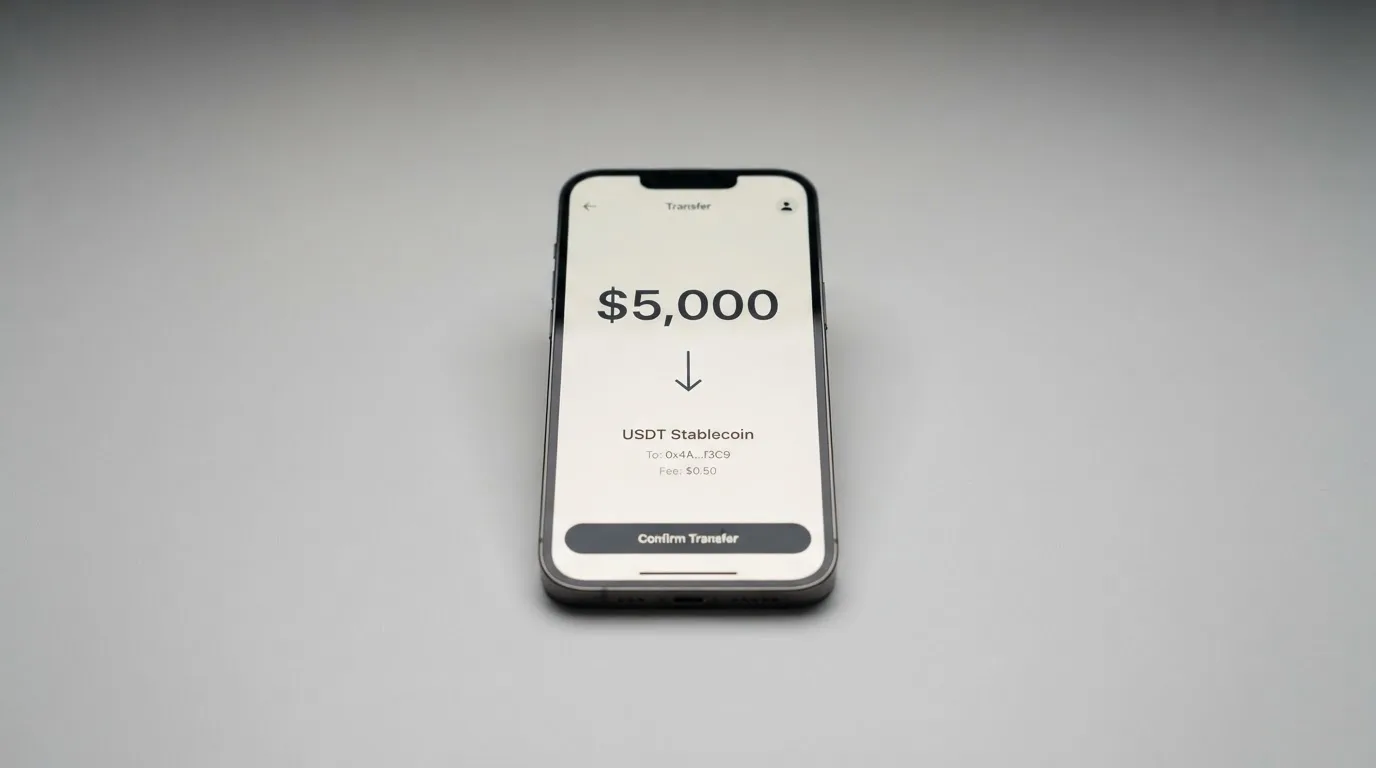
The one genuinely helpful design decision here: the app shows you which network to use before you send. That is a real protection, because blockchain transfers are irreversible — a deposit sent on a network the provider does not support, or to an address belonging to a different network, can be lost entirely or need manual support recovery with no guarantee. A wallet holding USDT but no ETH cannot send at all, because gas on Ethereum must be paid in ETH; on Tron, fees are paid through bandwidth and energy resources, often by burning TRX. So the network choice is not a detail — it decides whether your money arrives.
What is missing is the network list itself. The app knows; the published page does not say. And the minimum top-up is not stated anywhere I could find.
The fee is 1% on a top-up, with deposits from the internal wallet free. The gold card is said to give 0.5% (unofficial) on up to 5 top-ups a month. That discount is described inconsistently in the same material — one table says 5 waivers per month, the fee table says 50% off up to 5 top-ups — so read it as roughly a 5% discount on your first five top-ups if you hold gold, and nothing more.
Once money is on the card balance, your options narrow sharply. That balance can only be spent or withdrawn at an ATM. You can withdraw USDT from the wallet to an address shown in the app, but the card balance itself is not that wallet. Closing a card returns the remaining balance to the wallet, costs $2, cannot be undone, and does not refund the application fee. A virtual card with no transactions for four consecutive months closes automatically — relevant if you keep one as a backup.
Paying with it every day
Day-to-day, this works about as well as a prepaid Visa should. Apple Pay and Google Pay work on all four card types, physical and virtual, so in practice you would set the card up in your wallet and rarely touch the plastic. Blocked merchant categories are not stated, and OpenAI billing is explicitly not supported. Cashback is not mentioned anywhere.
The app itself is thin but functional. The iOS “Tevau” app by Tevau Technology Limited sits at 4.4/5 from seven ratings, latest version 2.0.010 dated 11 September — seven ratings is not a meaningful sample, so treat that score as decoration rather than evidence. An Android listing exists; no rating is shown there.
The friction is in merchant acceptance, and it is not Tevau’s fault so much as the model’s fault. Tevau is a prepaid-style card funded from crypto, and prepaid and foreign-issued card numbers get declined. A merchant can look up the card’s issuer identification number and see which institution and country issued it; if that country differs from your billing address, extra scrutiny may follow. Shops that decline prepaid or foreign BINs will decline this card. Address verification, which compares the numeric parts of the billing address you type against issuer records, is generally unavailable for foreign-issued cards and is a common cause of declines — and this card’s billing country is not one it publishes. The card’s own page concedes that declines and refunds can occasionally be delayed.
So: expect it to work in a café and at a chain, and expect the odd refusal in a smaller shop or on an unfamiliar website. Keep a second payment method on you.
Disputes and chargeback handling are not stated, and that is a real gap. A chargeback is a refund ordered by the issuer, with reason codes for fraud, duplicate billing or goods not received. In the US, debit card reversal rights come from Regulation E and credit card rights from Regulation Z; prepaid-card coverage varies and should not be assumed. Ask support directly what your route is if something goes wrong, and get the answer before you rely on the card for anything large.
What can go wrong
Start with the company, because it is the least documented part. Tevau is described as a Hong Kong-based platform, launched 2024. Its page says its registration as a Payment Service Provider with the Bank of Canada was approved in August 2026 — that is the site’s claim as stated, and I could not independently verify it. The card issuer is not named. An independent report also describes Tevau as Hong Kong-based, with the company registration and card issuer not independently confirmed.
What the page does state, in its own favour, is that Tevau is not a bank licensed in Japan, the US or the EU, and that home-country deposit protection may not apply. Read that twice. If your money sits with this provider and something goes wrong, the deposit guarantee you might assume from a bank account is not there.
Next, custody. This is custodial: assets are “stored with licensed custodians” per the FAQ, with claimed separation of cold and hot wallets. Two-factor authentication and insurance are not stated. With a custodial wallet the provider holds the credentials, so you must trust it completely — and the sector has a record. Mt. Gox lost about US$350 million as reported between 2011 and 2014; Coincheck about US$400 million in 2018; Ronin Network US$625 million in 2022. A seed phrase is typically 12 to 24 words and anyone holding it can restore the wallet and spend the funds, with no built-in recovery on the network side. For contrast, a self-custody-linked card keeps your funds in your own wallet until the moment of payment, with the trade-off that you carry the full risk of key loss, phishing and clipboard malware that swaps a copied address.
There is a documented incident trail, and it is short and recent. On 21 August 2026 Tevau published a security update on suspicious transactions and risk-control upgrades, and on 27 August 2026 a USDT card guide. A provider tightening risk controls the same month it claims 500,000 users is worth a moment’s thought.
The procedural risk is the account freeze. If a frozen account must be re-verified personally through support, that is a gate you pass with documents and a conversation, at a moment when you may need the money. Card lock in the app, then closure, is the response if the card is stolen or leaked.
And the structural risk nobody can price: programmes close. WaveCrest, a Visa issuer that supplied crypto card brands, was suspended by Visa in Europe in 2018, closing all its Visa programmes. Visa terminated its global agreements with FTX on 13 November 2022. Visa and Mastercard do not issue crypto cards themselves — they license issuers and can suspend a programme. Closures typically mean a notice period, then loading and spending stop, then users are asked to withdraw remaining balances. One 2026 closure reported by a secondary source ended new loads on 8 July 2026 and spending on 8 August 2026, single source and unconfirmed. In a prepaid model like this one, your balance is exactly the thing at risk in a wind-down.
Finally, tax, and I am not advising on it — only flagging that it exists. Digital assets are generally treated as property for tax purposes, so exchanging them for goods, services or dollars generally produces a taxable gain or loss. Gain is measured in local fiat currency at fair market value on the date of the transaction, meaning each card payment funded from crypto may be its own disposal. That is a bookkeeping obligation you inherit by spending, and it is worth checking with someone qualified before the amounts add up.
What to take instead
I compared three cards that do roughly the same job. None is clearly better; they are better on different axes, and the right one depends on which of Tevau’s weaknesses you can live with.
Bitrefill — 6.8 / 10. The strongest alternative here, and the one to look at first. The card is described as free through the app, though issuance and monthly fee amounts are not stated; an inactivity fee applies after 12 months without spending or cash-out, amount also not stated. Funding is the widest by far: the card page’s “Buy with” list names Bitcoin, Lightning, Ethereum, USDC, USDT, Solana, BASE, Polygon, Li.Finance, Apple Pay, Google Pay, Visa and MasterCard, with SEPA transfer also supported per the terms — so unlike Tevau you are not locked to USDT. Rewards are the best in the comparison: 2% total cashback with no cap, 1% on each crypto deposit and 1% on each purchase, payout currency not stated on the page. Costs are vaguer: a deposit spread on crypto-to-euro conversion with no percentage given, SEPA pay-in 1.99%, spreads from payment processors and ATM operators on spending, FX fee not stated. Access is “subject to eligibility criteria” and further requirements “established and verified by our partners”, with no country list.
UPay — 6.1 / 10. Closest to Tevau on score, with more currencies and less transparency on price. Virtual and physical options, personal and business, network not named; payments convert to USD, EUR, AED and others. Wallet top-up with BTC, ETH or USDT, USDC also listed; networks not stated. No costs published at all — issuance, monthly fee and fees are simply not stated, and the card page says conversion may occur during payment depending on network and settlement. No cashback on the card page. The claims support in 180+ countries, but says UPay does not serve residents of certain countries and the list may change with regulatory and issuer policies. One practical trap: the KYC partner accepts only ID documents issued by the same country as the user.
Kemy — 6.0 / 10. Same score as Tevau, a completely different price shape, and the one to look at if you want the physical card. Virtual cards at $15 issuance valid for 3 years plus $2 a month; a physical Mastercard at $250 issuance with DHL Express included, valid 3 years, one card per user, plus $10 a month. Fees: virtual top-up $1.5 under $100 or 1.25% from $100 with a $5 minimum, transaction fee 3.5% + $1, failed transaction $0.8; physical carries the same top-up with a $10 minimum and a $0.80 failed-transaction fee. Funding is USDT and USDC “on the main networks” — the specific chains are not listed — plus BTC, ETH and SOL through an on/off ramp and fiat via mobile money and virtual bank accounts. Unlimited virtual cards, one physical. It claims 190+ countries with “a few restrictions apply”, checked at sign-up. Cashback is not mentioned.
| Tevau | Bitrefill | UPay | Kemy | |
|---|---|---|---|---|
| Score | 6.0 / 10 | 6.8 / 10 | 6.1 / 10 | 6.0 / 10 |
| Crypto funding | USDT only | BTC, ETH, USDC, USDT, SOL, more | BTC, ETH, USDT, USDC | USDT, USDC, BTC, ETH, SOL |
| Fiat funding | not stated | SEPA | not stated | mobile money, virtual bank accounts |
| Issuance | 20 USD virtual, 100 plastic, 199 metal, 499 gold | free through the app | not stated | 15 USD virtual, 250 physical |
| Monthly | $0 | not stated | not stated | 2 USD virtual, 10 USD physical |
| Rewards | not mentioned | 2% cashback, no cap | not stated | not mentioned |
| ATM | 1.9%, physical cards | operator spread, amount not stated | not stated | not stated |
Read across the funding rows and the picture is clear. Tevau’s one-funding-source model is the narrowest of the four, and that is what costs it points. Bitrefill’s wider funding and cashback offset its vaguer fee disclosure. Kemy’s transaction fee of 3.5% plus $1 makes it a poor card for small purchases and a reasonable one for larger ones, where the fixed component matters less.
Who I would recommend it to
I would recommend Tevau to one person: someone already holding USDT who wants a card number now, who spends in places that accept prepaid Visa, who does not mind a 1.2% fee on foreign-currency purchases plus an unquantified FX spread, and who treats the balance as money in transit rather than money in savings. For that person, an instant virtual card with Apple Pay and Google Pay on it is a genuinely useful thing, and the $0 monthly fee means the card costs nothing to keep.
I would not recommend it to someone whose income arrives in a bank account and whose priority is not paying conversion fees. I would not recommend it to anyone who needs their money covered by deposit protection, or who needs a card whose issuer they can name. I would hesitate for someone in a country the card claims but does not list, because you will find out at sign-up rather than beforehand. And I would not use it as a sole payment method until you have seen how support behaves — the Help Center, the in-app chat and the Telegram community all exist, but the independence of any of them is unestablished.
If you are choosing between these cards, the honest framing is: compare Tevau against Bitrefill first, because a 2%-cashback card with wider funding and a stated 6.8 has more room to absorb Tevau’s high fees. Compare against Kemy if the physical card and the metal feel are what you are buying, and check the 3.5% transaction fee against how small your typical purchases are. Look at UPay only if multi-currency conversion is your main pain, and accept that none of its numbers are published.
Frequently asked questions
What is Tevau card?
Tevau is a Visa payment card funded from a stablecoin balance rather than a bank account. You load USDT into the wallet in the app, move it onto the card balance, and then spend that balance in shops, online, at terminals or through Apple Pay and Google Pay. It behaves like a prepaid card: it can only spend what is already on it, so it cannot overdraw. Four versions are offered — Virtual, Plastic, Metal and 24K Gold.
How does Tevau card work?
Your crypto becomes a fiat card balance, and the card spends that balance. Moving deposited USDT to the card balance costs 1%; deposits from the internal wallet are free. At checkout, spending is converted to the merchant’s currency, and a USD payment costs $0.20 (unofficial) plus 0.5% (unofficial) while a non-USD payment costs 1.2% (unofficial), on top of an FX spread for overseas spending that is mentioned but not quantified. Note the model: this is a pre-loaded balance, not a debit card linked to an account.
Is Tevau a bank?
No, and the site says so plainly. Tevau states it is not a bank licensed in Japan, the US or the EU, and that home-country deposit protection may not apply. It is described as a Hong Kong-based platform launched in 2024, and it says its Payment Service Provider registration with the Bank of Canada was approved in August 2026 — a claim stated on the site that I could not independently verify. The card issuer is not named.
Who owns Tevau?
The card is issued under Tevau Technology Limited, which publishes the iOS app. The company is described as a Hong Kong-based platform, though the company registration and the card issuer are not independently confirmed. Crucially, Visa does not issue this card itself — networks license issuers and can suspend programmes, so the bank behind your card number is not a name Tevau has made public.
Does Tevau card require KYC?
Yes, KYC is mandatory, and there is one flow with no tiers. You submit a single government ID — passport, driving licence or national ID — plus a selfie in the app, and must be 18 or over. Beyond that, the documents required, any proof of address, and the precise age rule are not stated. Blurry photos are the most common reason a submission is sent back for another attempt, so take the photo in flat light.
Is Tevau card free?
No. The virtual card is listed at 20 USD, plastic at 100 USD, metal at 199 USD (unofficial) and 24K Gold at 499 USD (unofficial), each a one-time fee, while a 2026 Product Hunt listing by the maker quoted the virtual card at $10 — check the current price in the app. The monthly fee is $0, but $3 applies after 90 days without a transaction, then $1 every 30 days, and closing a card costs $2. Cards are valid for 3 years.
How to top up Tevau card?
With USDT, which is the only funding method disclosed; fiat top-up is not stated. Send to the address in the app, which also shows you which network to use — important, because a transfer on the wrong network can be lost or need manual recovery with no guarantee. The top-up fee is 1%, or 0.5% (unofficial) on up to 5 top-ups a month for gold cards, and deposits from the wallet are free. The minimum top-up and the supported network list are both not stated.
How to use Tevau virtual card?
The virtual card is issued instantly in the app, with no shipping wait. It carries Apple Pay and Google Pay, so most people add it to their phone wallet and use it that way — though it has no in-app tap and no ATM access, and its per-transaction limit is 3,000,000 USD (unofficial). Its big advantages are that it costs nothing monthly and that you can close it instantly if it leaks. Remember it is a foreign, prepaid-style card, so some merchants will decline it.
Is Tevau card safe?
Reasonably careful, unverified in practice. Assets are said to be held with licensed custodians with claimed hot and cold wallet separation, and you can lock the card in the app, then close it, if it is stolen. But two-factor authentication and insurance are not stated, no complaints or independent reviews could be found at all, and the provider has no track record you can inspect. Your funds are custodial, so you are trusting the operator completely.
How do I withdraw money from Tevau?
Two different things, and this trips people up. USDT can be withdrawn from the wallet to an address shown in the app. Once money is on the card balance, however, it can only be spent or withdrawn at an ATM — with a 1.9% fee on cash withdrawals, plus operator fees, plus the local bank rate on USD withdrawals in local currency. If you no longer want the card, closing it returns the remaining balance to the wallet for $2, and that cannot be undone.
Virtual cards – cryptocardchooser.com
Content created by the «cryptocardchooser.com» team